Computer and AV Cables: Choose the Right Connection
Cables are the invisible link that keeps devices communicating smoothly. From charging leads to high-speed display and audio connections, the right cable ensures reliable performance at home and work. This guide helps you pick cables that match your ports, speed needs and budget while highlighting practical shopping tips.
What to consider when buying cables
Start by identifying the connector types and the required performance: data transfer, charging current or video resolution. Check cable length and shielding to avoid signal loss. For devices that move or are handled frequently, flexible and reinforced cables last longer. If sustainability or value matters, look for clearance items, certified refurbished cables or customer-return stock from reputable sellers.
Key features and common cable types
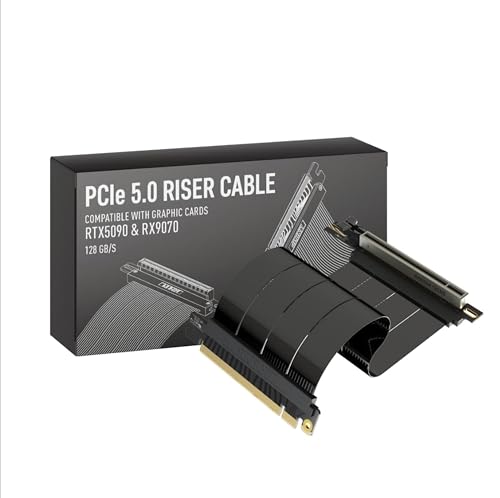
- USB and USB-C: Power and data, various speeds and power profiles.
- HDMI and DisplayPort: Video and audio for monitors and TVs, choose the right version for your resolution.
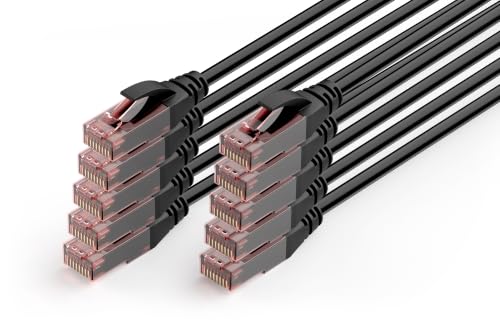
- Ethernet: Cat5e/Cat6/Cat6a options for different network speeds and distances.
- Audio cables: Optical, coaxial and analogue choices depending on your kit.
- Power leads and adapters: Match voltage, amperage and connector polarity.
Measure for the length you need and test compatibility before keeping a purchase. Read product descriptions carefully to confirm data rates and materials, and consider warranty and return policies when buying discounted or refurbished cables to ensure long-term reliability.
361 results