KVM Switches to Control Multiple Computers Efficiently
KVM (Keyboard, Video, Mouse) switches let you operate several computers from a single console. They simplify workspace management, reduce clutter and are valuable in server rooms, test benches and multi-system workstations.
Choosing the right KVM switch
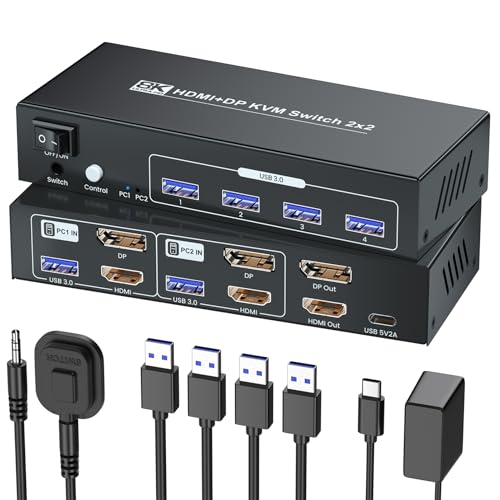
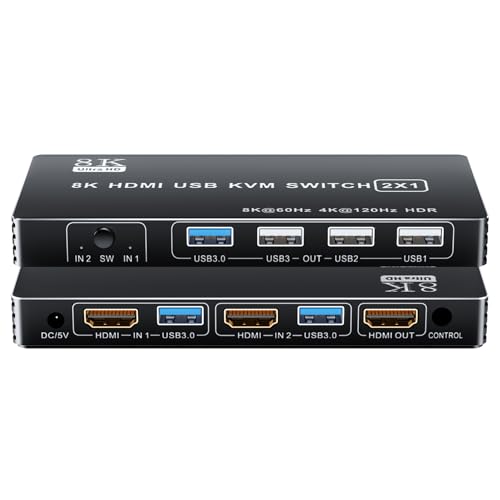
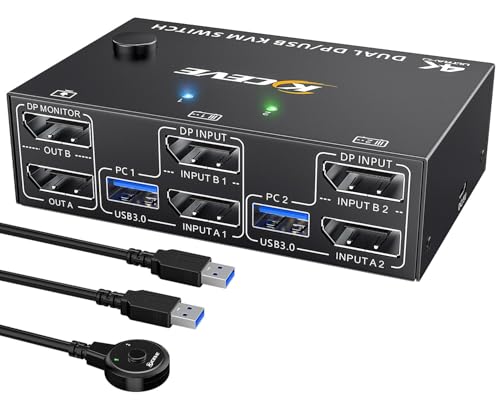
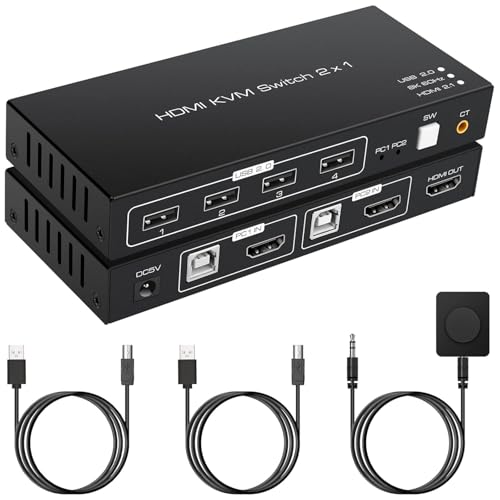
Decide on port count, supported video resolutions, connector types and whether USB peripheral sharing or audio switching is required. Consider hotkey switching, on-screen display and network-based management for remote control in larger deployments.
Benefits and deployment tips
- Space saving: One keyboard and monitor for multiple systems reduces desk footprint.
- Productivity: Fast switching and multi-display support speed workflow between machines.
- Security and access: Some models include authentication and remote access features for controlled environments.
Refurbished or clearance KVM switches can provide advanced features affordably, but test all ports and firmware compatibility before wide deployment. For mixed-platform environments, verify USB emulation and driverless operation to avoid peripheral issues. Proper cabling and tidy rack mounting improve reliability. A well-chosen KVM switch streamlines multi-system management, lowers hardware costs and simplifies daily operations where multiple machines must be accessed frequently.
20 results