Memory Cards and Blank Media: Storage for Photos and Data
Memory cards and blank optical discs remain practical for archiving, cameras and simple data transfer. Choosing the correct media ensures compatibility, sufficient capacity and reliable long-term storage for photos, videos and backups.
Choosing the right media
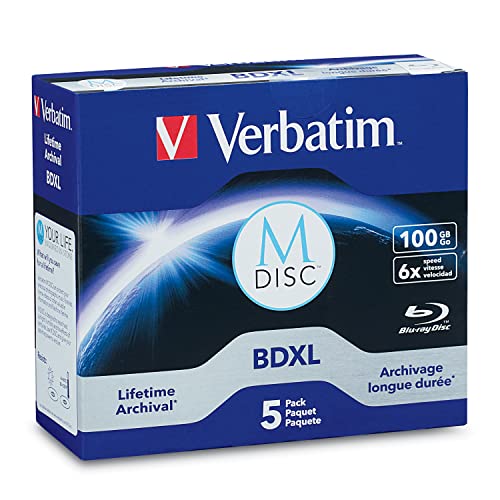
For cameras and portable devices, check the required form factor and speed class to support recording resolutions and burst shooting. Higher-speed cards reduce buffering times and improve performance for video. For archival needs, select media with documented longevity and handle discs or cards carefully to avoid physical damage. Consider having multiple copies across different media types for critical data.
Buying and usage recommendations
- Match speed class and capacity to your device’s requirements to avoid dropped frames or slow transfers.
- Use reliable brands and consider formatted cards from the device manufacturer if available.
- Label and store discs and cards in a cool, dry place and create redundant backups for important files.
- Look out for clearance packs or multi-card deals when stocking up, but verify authenticity and return options.
Regularly test stored media and migrate important archives to newer formats over time. Practical storage habits and occasional checks will keep your digital files safe and accessible.
67 results